See the whole operation
The Command screen shows the operation at a glance: what is running, what is waiting and where output is piling up. Read it before you build anything new.
Deep Space Extraction Authority guide
DSEA starts with one drill on the Moon and an entire galaxy of possibilities. The early game is not about clicking faster — it is about turning a single extraction point into a loop that keeps running while you are doing something else. Here is what each screen is for, and when to use it.
Beginner guide / Android / Idle strategy / No ads
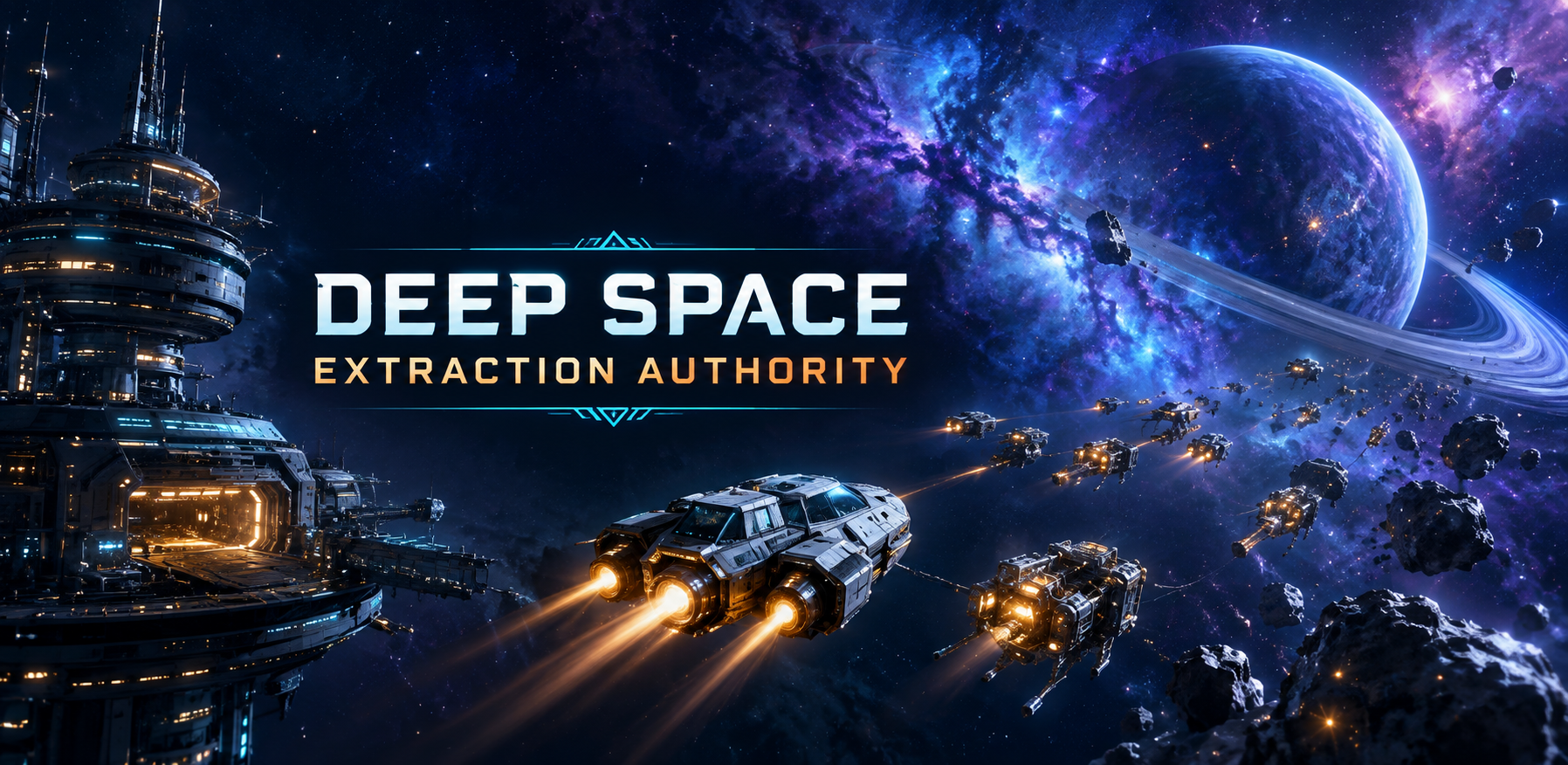
The Moon is the tutorial whether it looks like one or not. With a single drill there is only one thing producing anything, so every early decision is about how quickly that one point becomes two, then five, then a network.
Resist the urge to spread out. An extraction empire that cannot feed itself stalls the moment you stop looking at it, and an idle game is mostly the time you are not looking at it.
The Command screen shows the operation at a glance: what is running, what is waiting and where output is piling up. Read it before you build anything new.
Finished work sits there until claimed. A short session after a break should start by clearing what the empire already did, not by buying a new module.
Production is decided by the slowest step. Adding capacity downstream of a bottleneck just makes a bigger queue, so repair the stalled stage before expanding.
Automation is where an idle game earns its name. Priorities decide what runs first, reserves protect what you are saving for, and fleet routines keep the machine moving while you are away.
The usual early mistake is automating everything at once. Set one routine, watch it through a short offline period, and only then add another. A routine you cannot predict is worse than no routine, because you will not notice it quietly spending the wrong resource.
Returning gives you a clear command brief that explains what happened and where production stalled. It is the fastest way to find the bottleneck you left behind.
A brief that reports a stall is more useful than one that reports a big number. Follow the stall back to the stage that caused it.
Check the brief, claim the work, fix one thing, set the next routine and leave. Progress compounds across sessions rather than inside them.
Beyond the Moon the game opens up: Mars, Europa, Titan, the asteroid belt, a near-Earth asteroid, a gas giant, a nebula, an alien moon and, eventually, an event horizon. Each frontier brings new resources and new decisions rather than a reskin of the last one.
Move on when the current world's loop runs without you. Opening a second frontier while the first still needs supervision splits your attention and usually slows both.
A Singularity Jump resets the run on your terms and preserves permanent advantages, so you come back stronger. That makes it a planning tool rather than a panic button.
Jump deliberately: when a run has stopped producing meaningful improvements, and when you know which permanent advantages you want to carry forward. Doing it in frustration at a plateau is how a good run gets thrown away.
An Android idle space-mining strategy game. You start with one lunar drill, build an extraction empire, automate fleets and routines, and expand across ten worlds from the Moon to an event horizon.
Yes. The game is free to play, and the core game is playable without purchases. Rewarded ads and starter packs are optional, and there are no forced ads.
It resets the run on your terms while preserving permanent advantages, so the next run starts stronger. Use it when a run has genuinely stopped improving, not as a reaction to a slow patch.
The Moon, Mars, Europa, Titan, the asteroid belt, a near-Earth asteroid, a gas giant, a nebula, an alien moon and an event horizon. Each brings new resources and new decisions.
Usually one stage ran out of input or storage filled up. The offline briefing explains what happened and where production stalled; fix that stage before adding capacity elsewhere.