Multipage PDFs
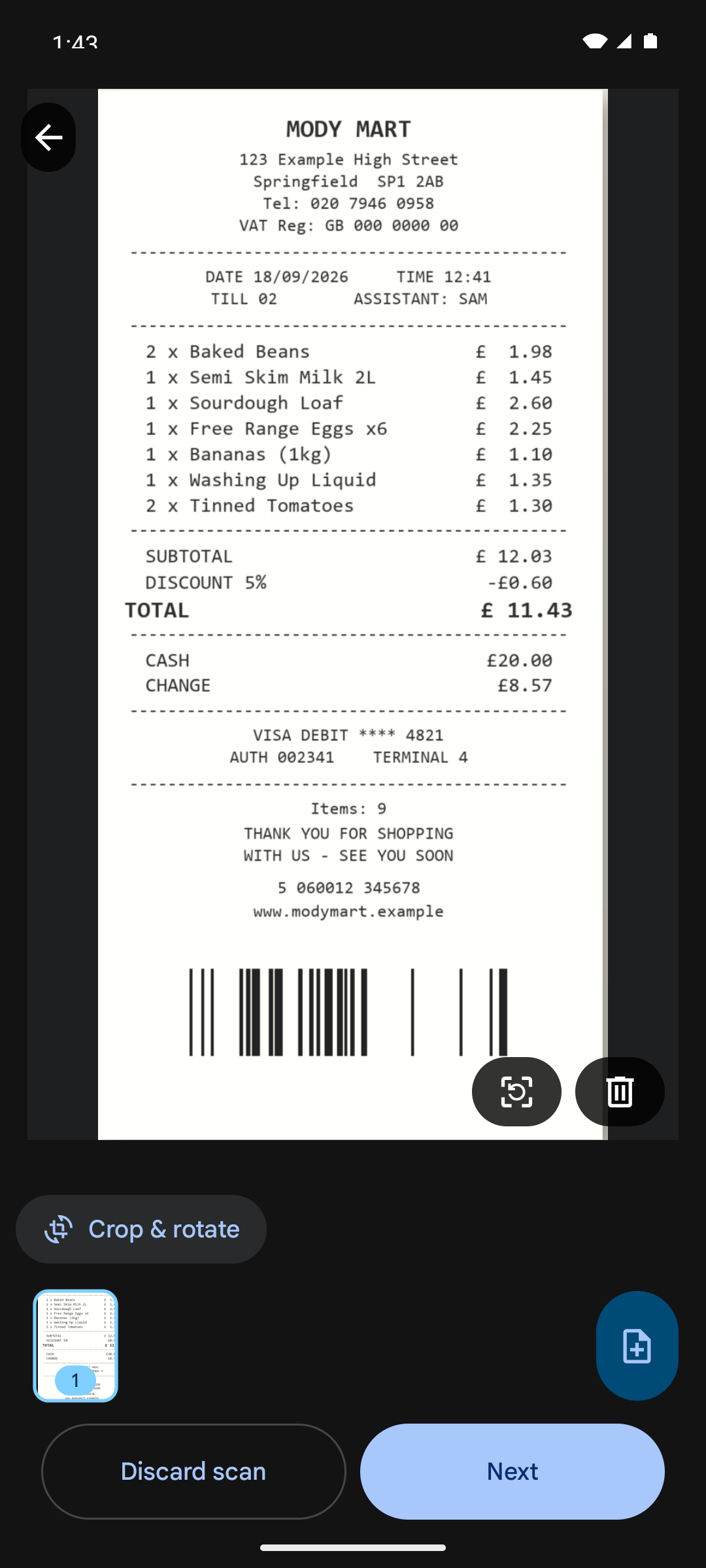
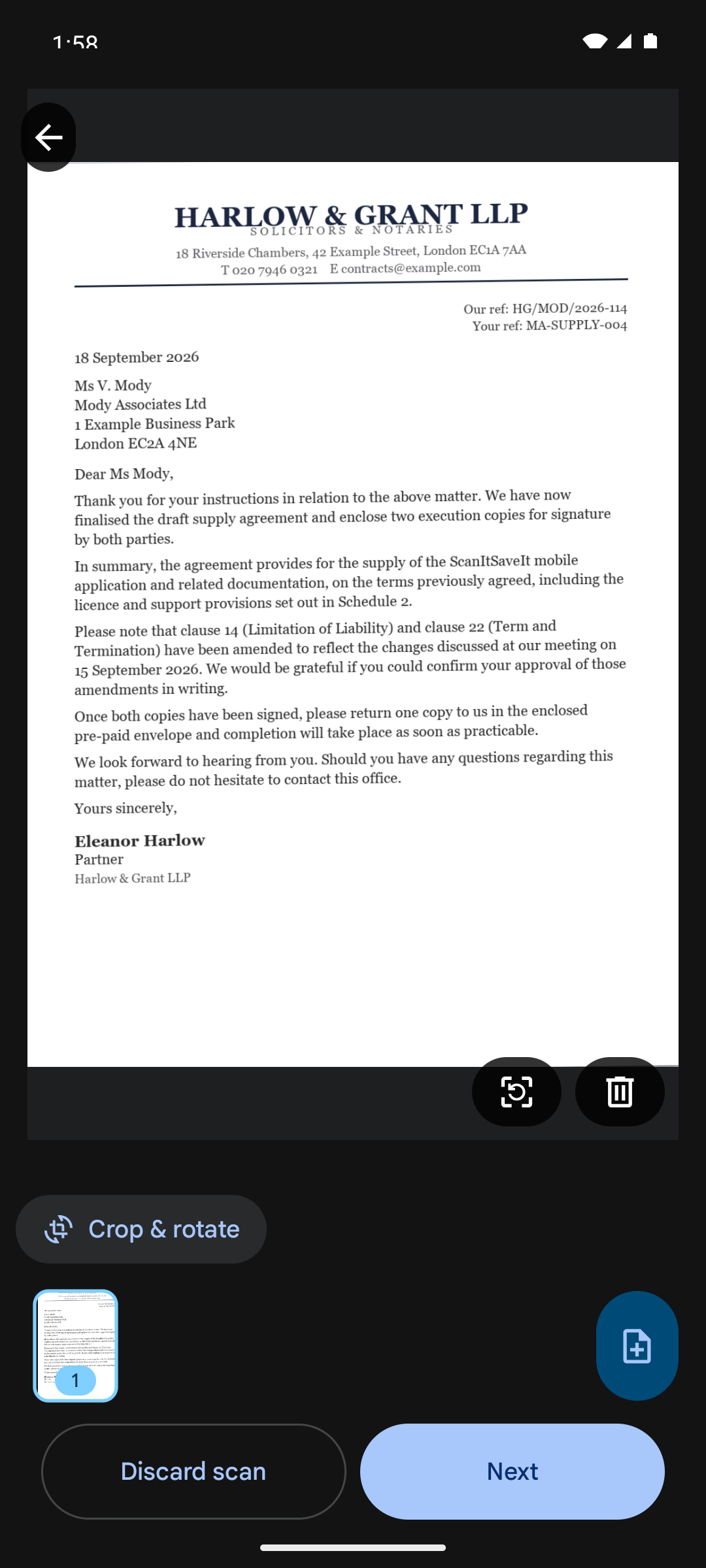
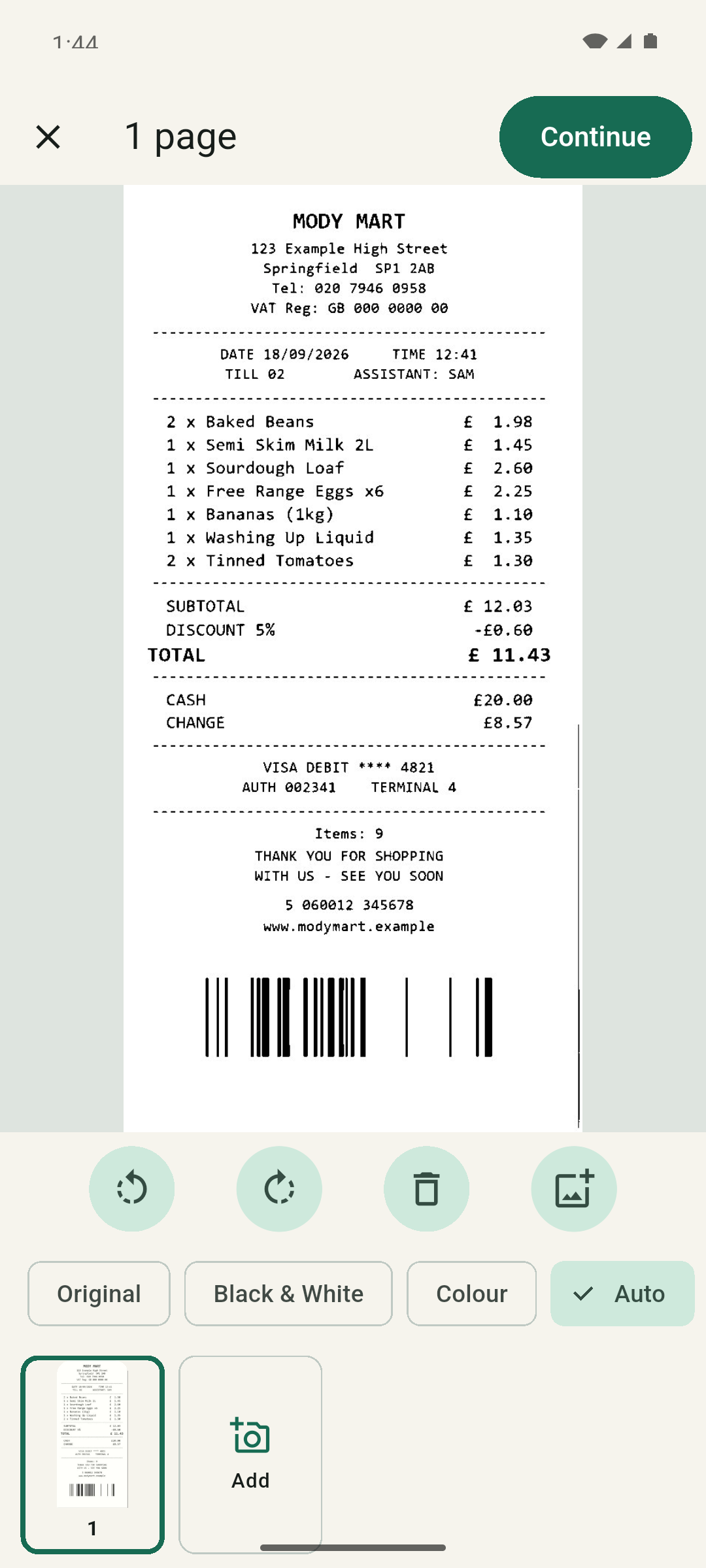
Capture one page or a whole stack. Review, rotate, delete and reorder pages, then save everything as a single PDF in the order you chose.
Turn paper documents and pictures into clean multipage PDFs. Save them to your phone or a supported SD card, without an account, subscription, or document upload.
Coming to Google Play. The store link will appear here when the listing is live.
Document & picture scanner / Android / Offline-first
We never force an ad on you.
No banners, no pop-ups, no interstitials — nothing interrupting you while you work or play. Where a game offers an optional reward ad, it only ever adds a bonus, and is never needed to play or progress.
Capture one page or a whole stack. Review, rotate, delete and reorder pages, then save everything as a single PDF in the order you chose.
The scanner finds the page edges, corrects the perspective and crops the page, so the PDF looks like the document you photographed — not a photo of it.
Original keeps exactly what the scanner captured. Black & White flattens uneven lighting for crisp text. Colour keeps stamps, highlighting and photos. Auto picks a sensible default per page and records which one it chose.
Save into the app's own library or straight to a folder you choose through Android's folder picker — including a supported SD card. The app asks for that one folder, not for broad storage access.
Pages are filtered and turned into a PDF on this device. No account, no document upload, no cloud processing.
Ten introductory page scans, then three free page scans in each 30-day period. Unused scans do not carry over, and nothing is consumed until a PDF is actually saved.
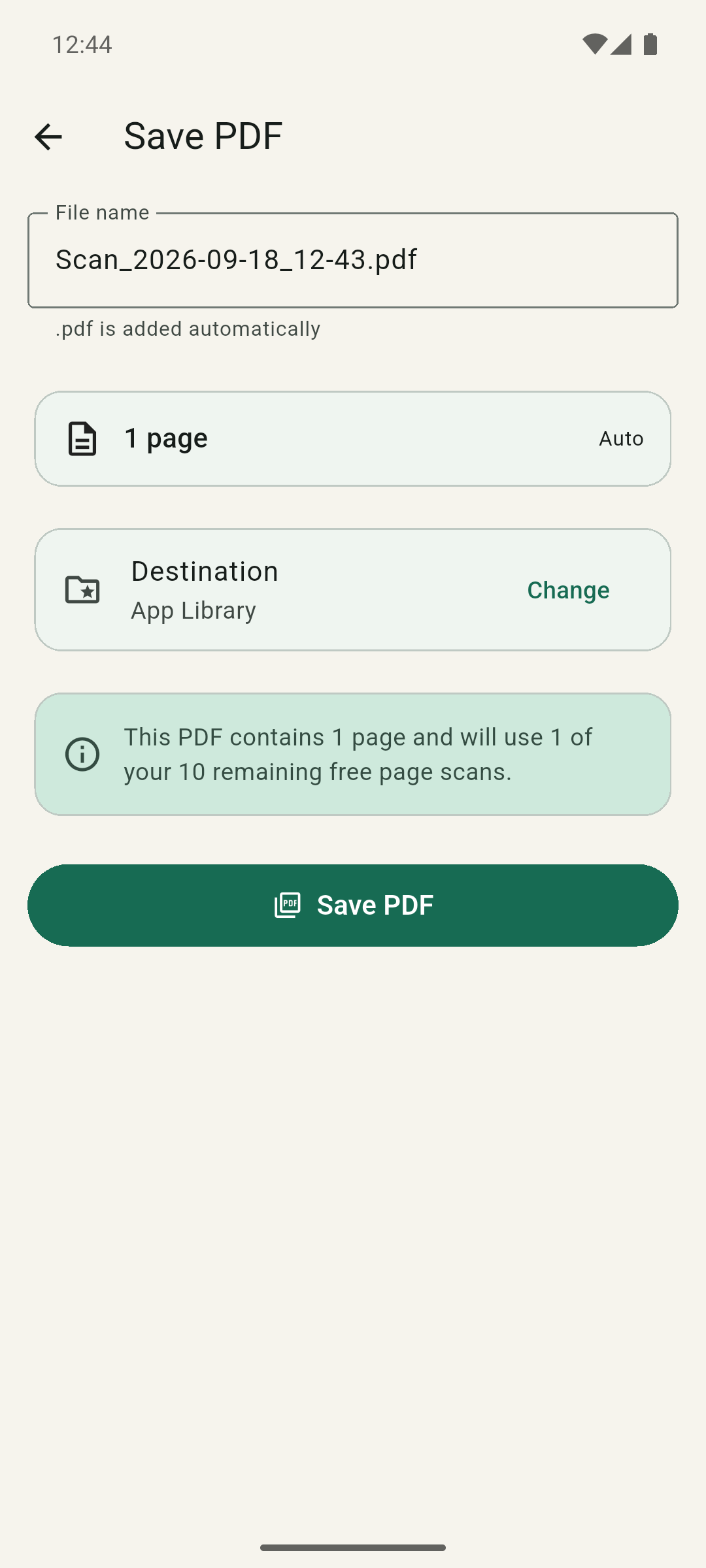
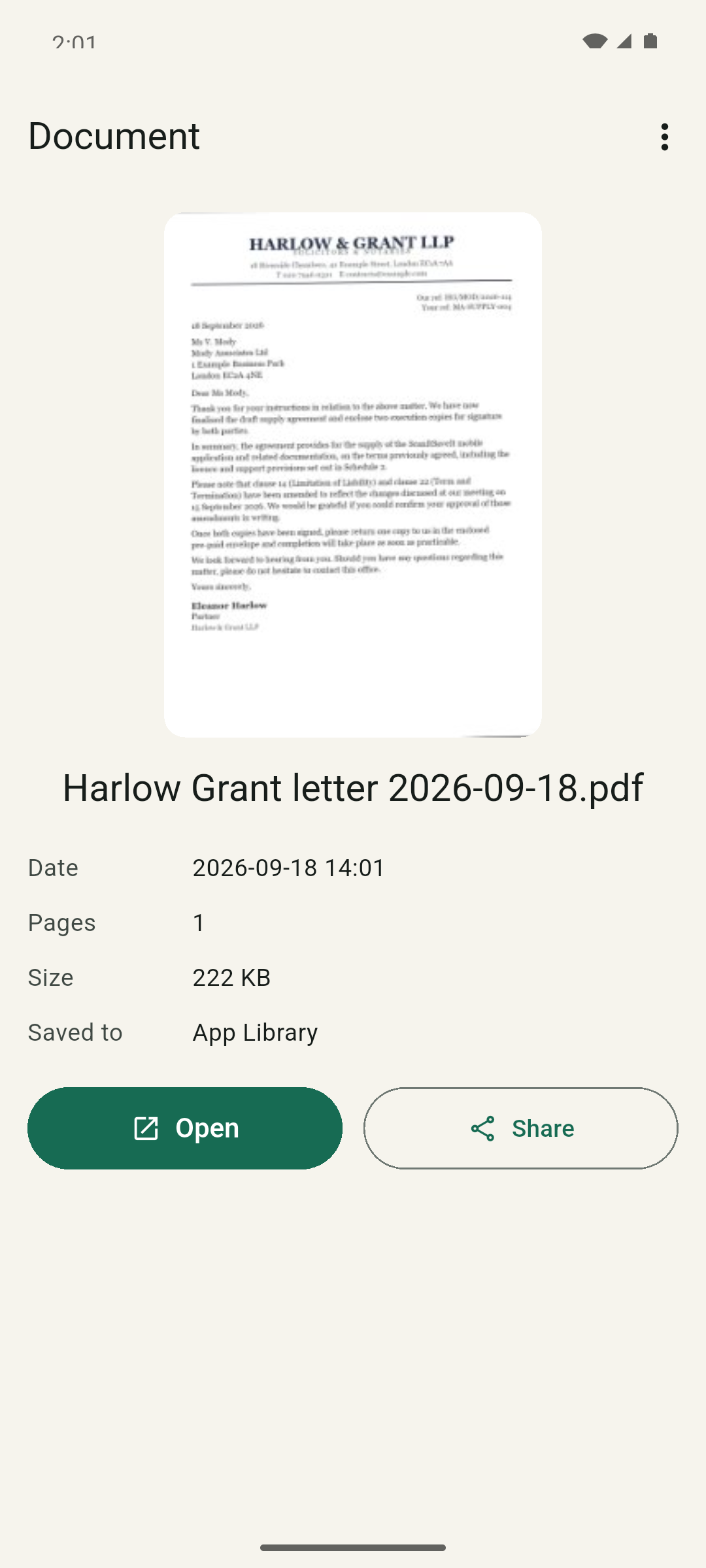
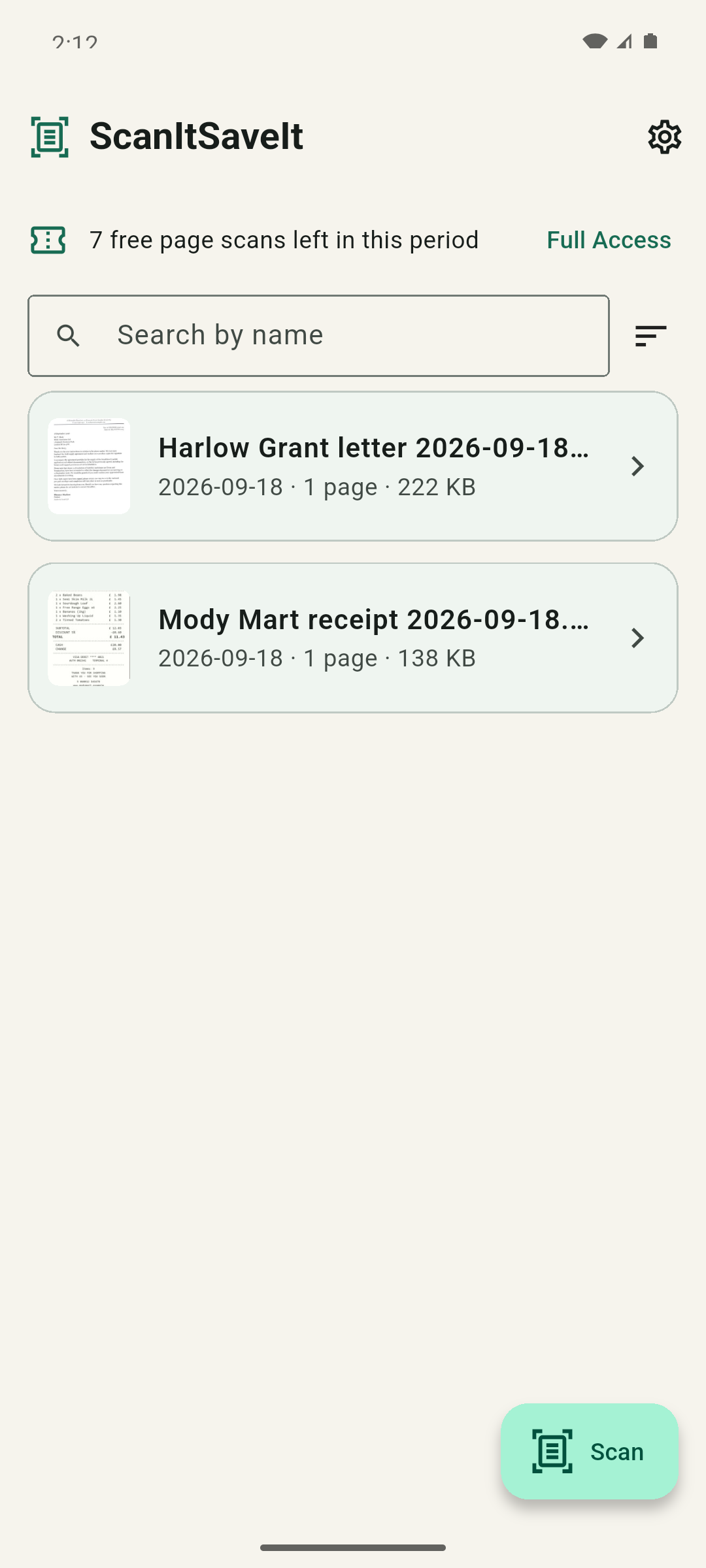
Ten introductory page scans for a 30-day period, then three page scans per 30-day period. Saving a document is what uses a scan — cancelled scans and failed saves use none.
An optional one-time purchase through Google Play removes the monthly page-scan quota. No subscription, and the price is set by Google Play in your local currency.
There is no sign-in, no profile and no e-mail collection. The app never sees your Google account details or payment information.
Scanned pages, PDFs, thumbnails, file names and folder choices never leave your phone. There is no analytics SDK and no document upload. The only network use is Google Play itself: the first-time scanner component download, and the optional one-time Full Access purchase with its restore and refund checks.
Read the privacy notice