Compress a photo
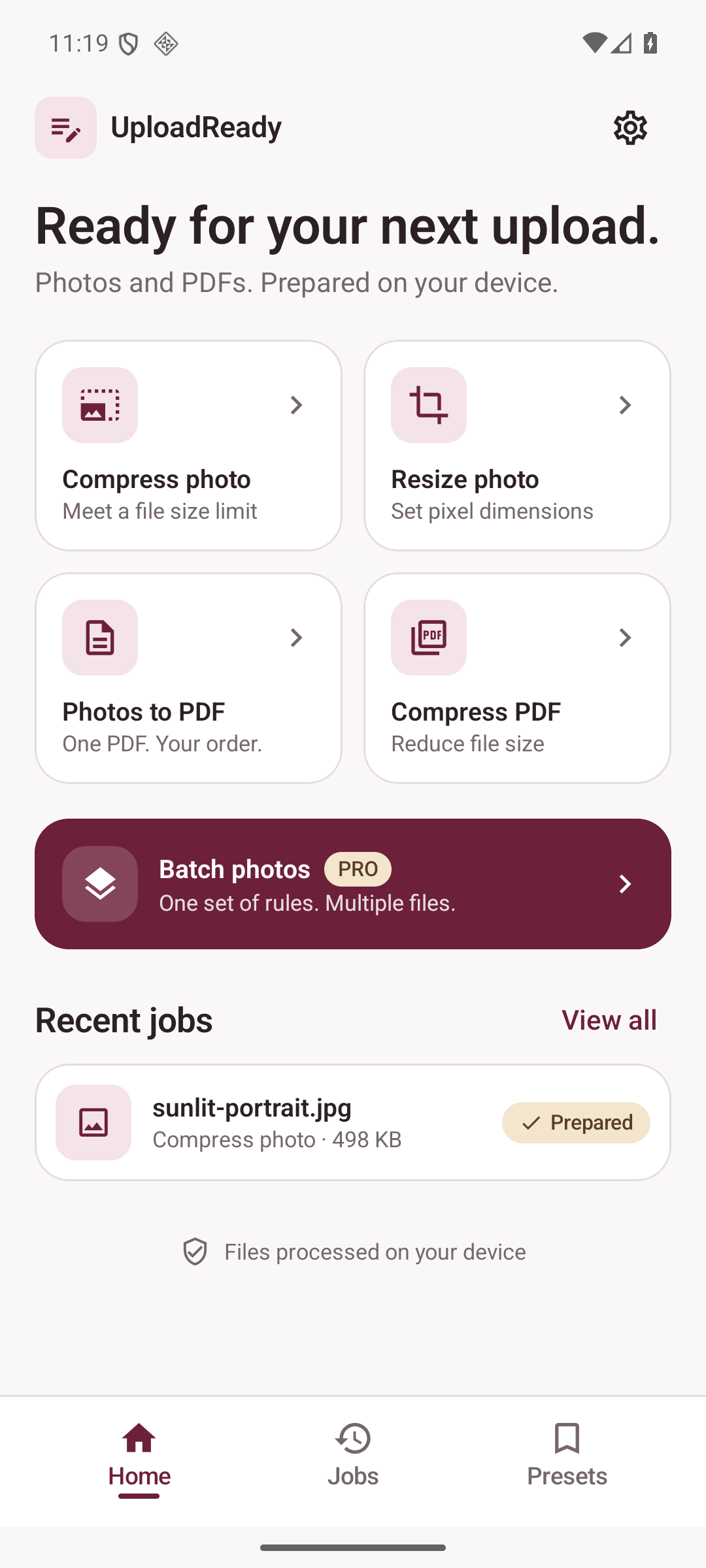
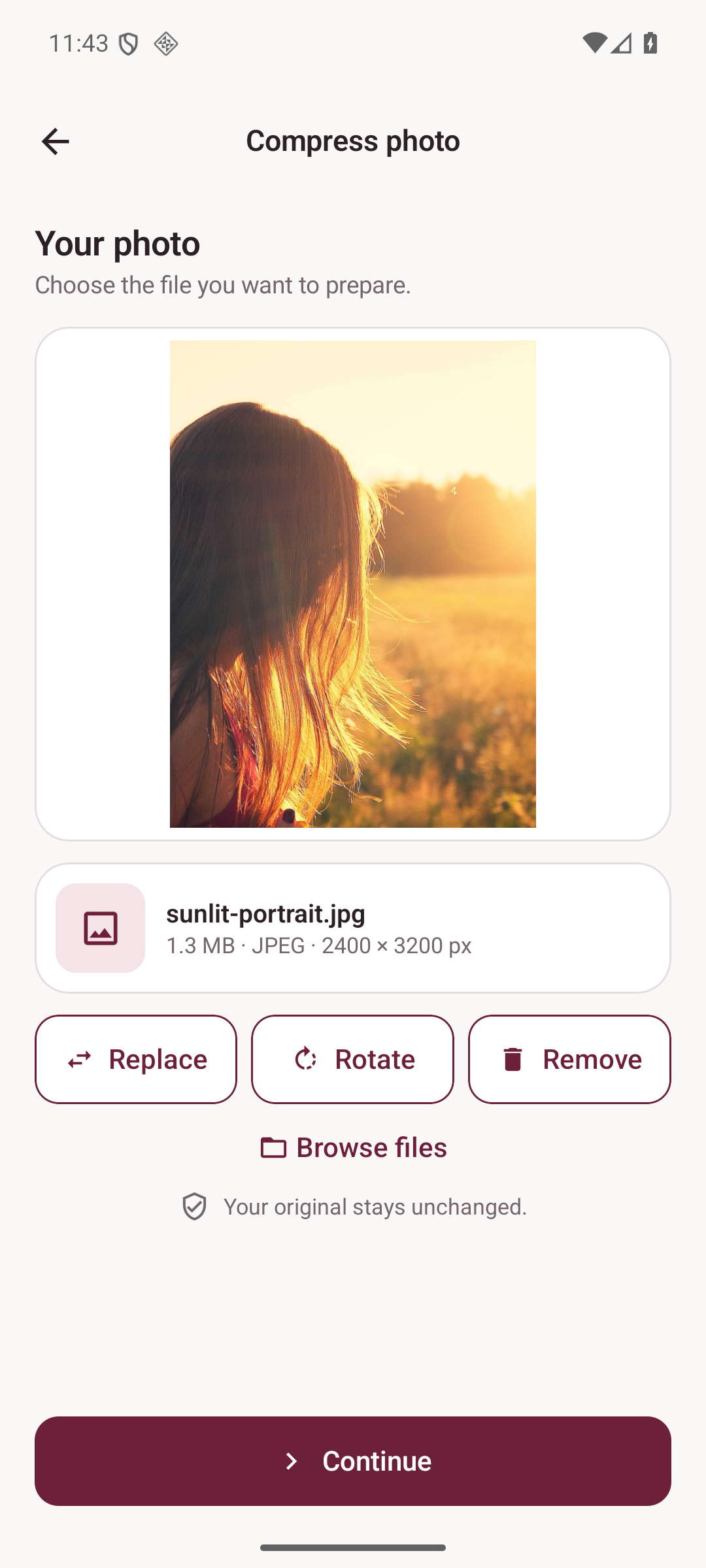
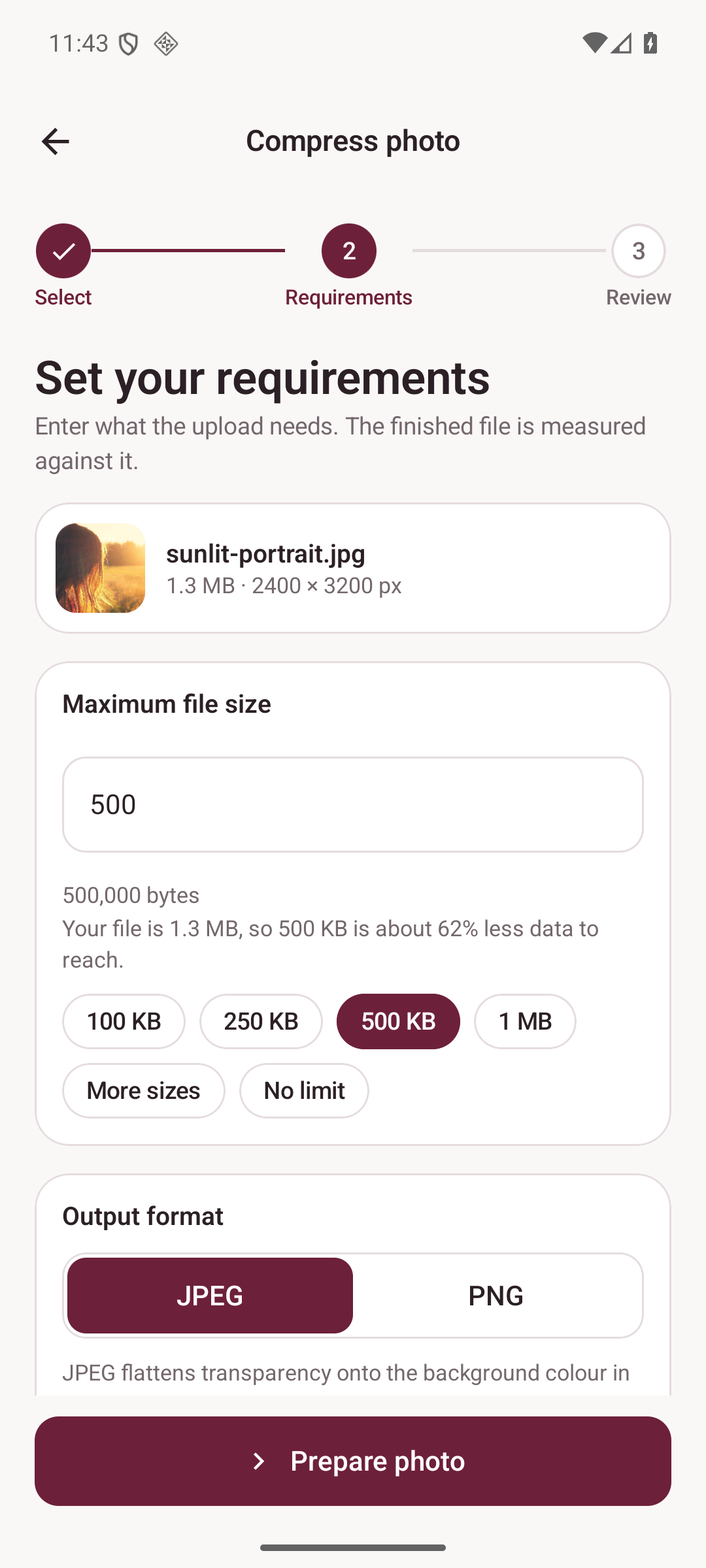
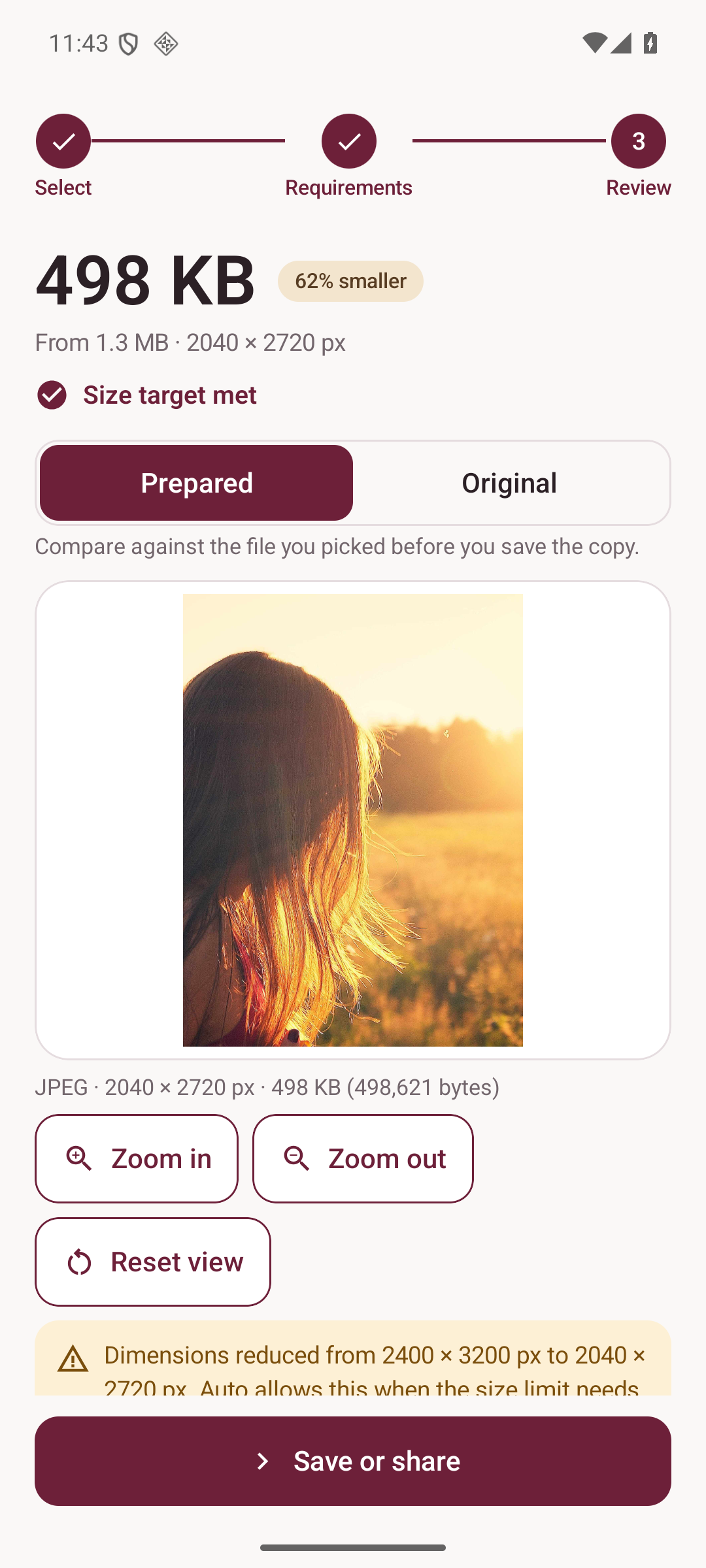
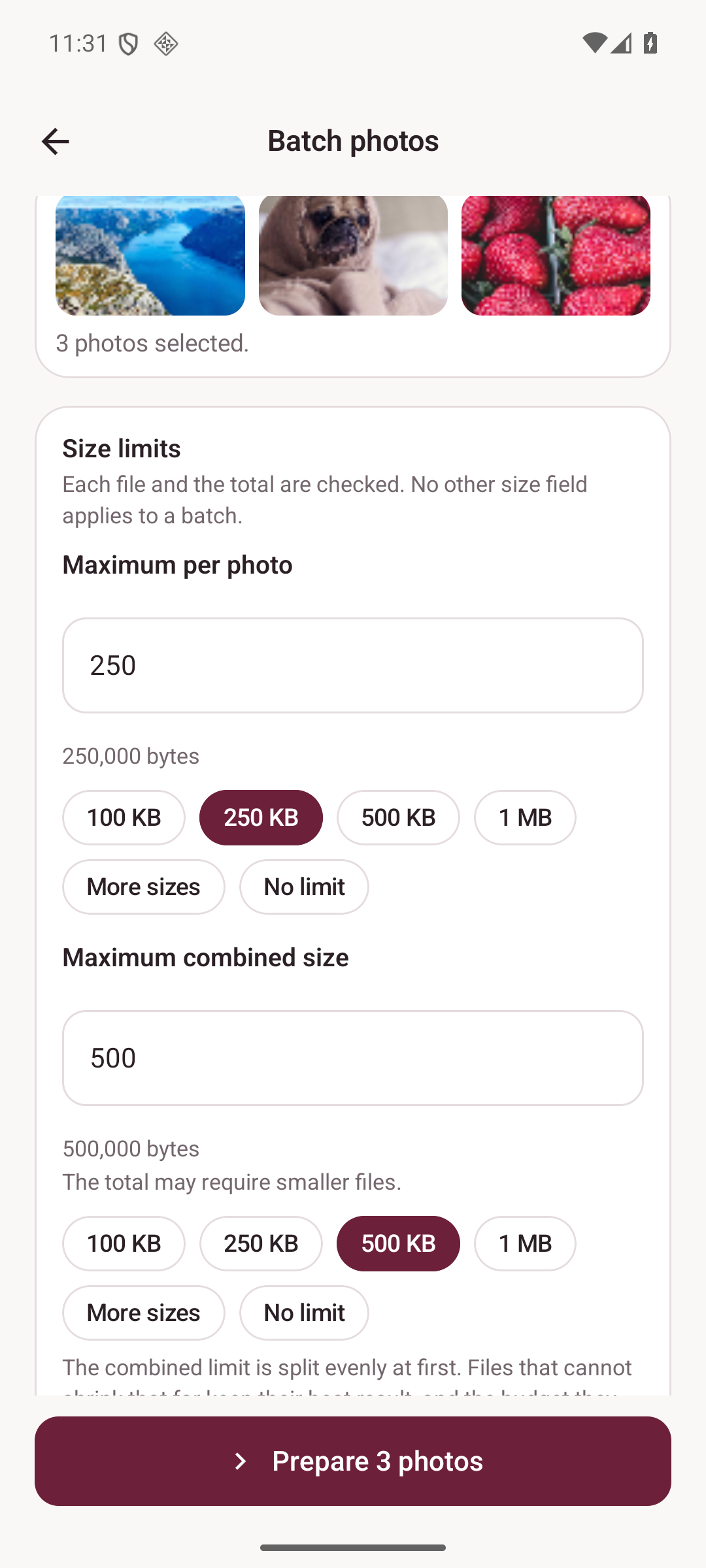
Give it a size limit such as 500 KB and UploadReady searches for the best quality that fits, or says plainly that it cannot get there.
Forms and portals ask for a size in KB. UploadReady prepares the photo or PDF you have so it fits, checks the file it produced against the numbers you entered, and tells you the truth when a limit cannot be met.
Photo and PDF preparation / Android
View on Google Play
We never force an ad on you.
No banners, no pop-ups, no interstitials — nothing interrupting you while you work or play. Where a game offers an optional reward ad, it only ever adds a bonus, and is never needed to play or progress.
Give it a size limit such as 500 KB and UploadReady searches for the best quality that fits, or says plainly that it cannot get there.
Exact dimensions or a maximum long edge, without stretching: keep the whole photo, crop to fit, or add a border.
Several photos become one PDF in the order you choose, on A4, Letter or pages that match each image.
Shrink a scanned document while keeping its text and page count — and keep it honest when a target is out of reach.
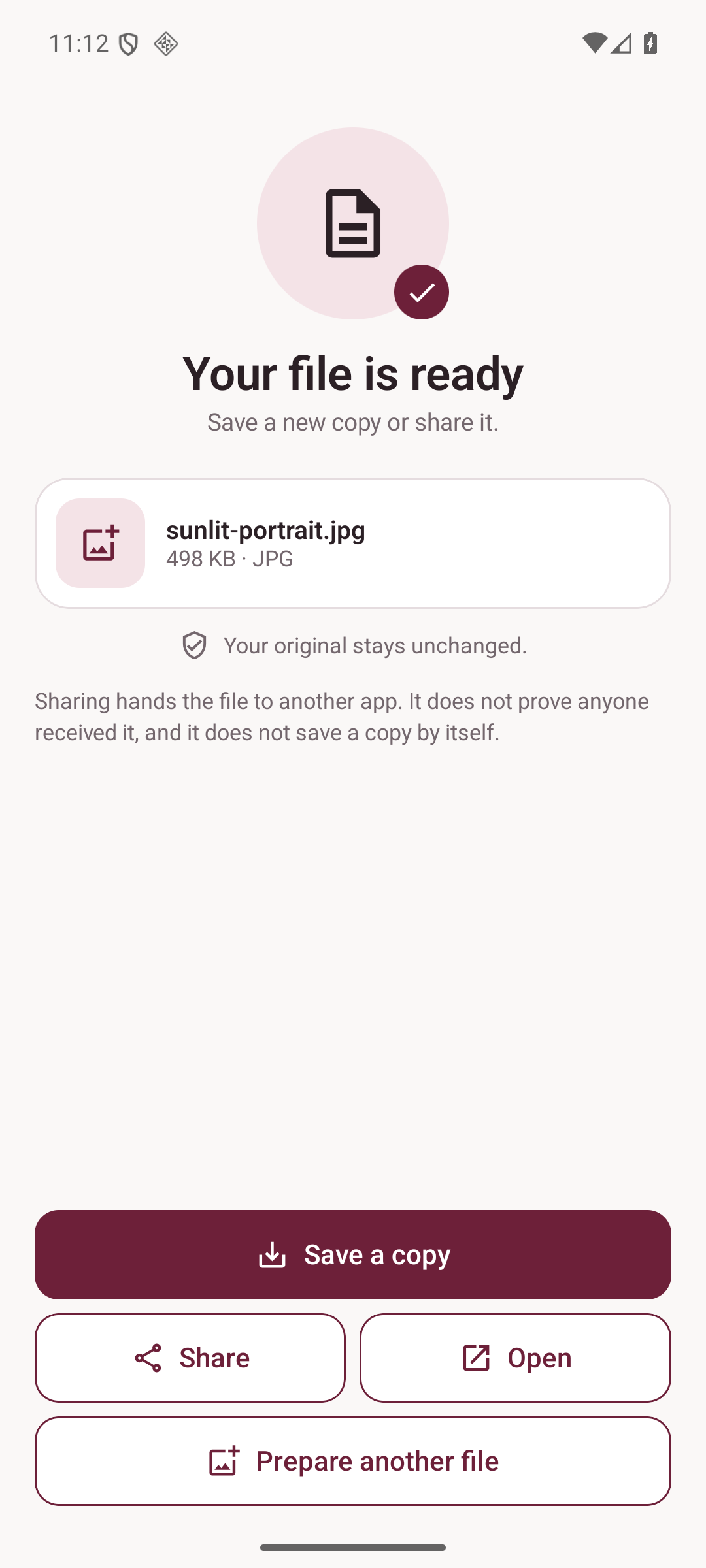
No accounts, no uploads, no cloud processing and no AI service. Preparation happens on your phone; the original file is never modified. The only network traffic is Google Play, and only for the optional one-time Pro purchase.
Read the privacy notice